RFID on the Bus and UHF at the Gate: Designing One Attendance Flow From Home to Classroom
Last checked: 10 October 2026. By the My School Ride team. My School Ride is a product of Satcop India Pvt. Ltd.
Most schools take attendance in pieces. The attendant ticks a list on the bus. The security guard watches the gate. The class teacher calls names in the classroom. Each record lives in a different place, and nobody can quickly answer the question every parent and principal cares about: where is this child right now?
A joined-up attendance flow answers it. RFID cards on the bus record boarding and drop-off, a UHF reader at the gate records entry and exit, and the system matches the two. This post explains how to design that flow, step by step. For a basic explanation of how RFID cards work, see My School Ride's RFID explainer.
The four checkpoints
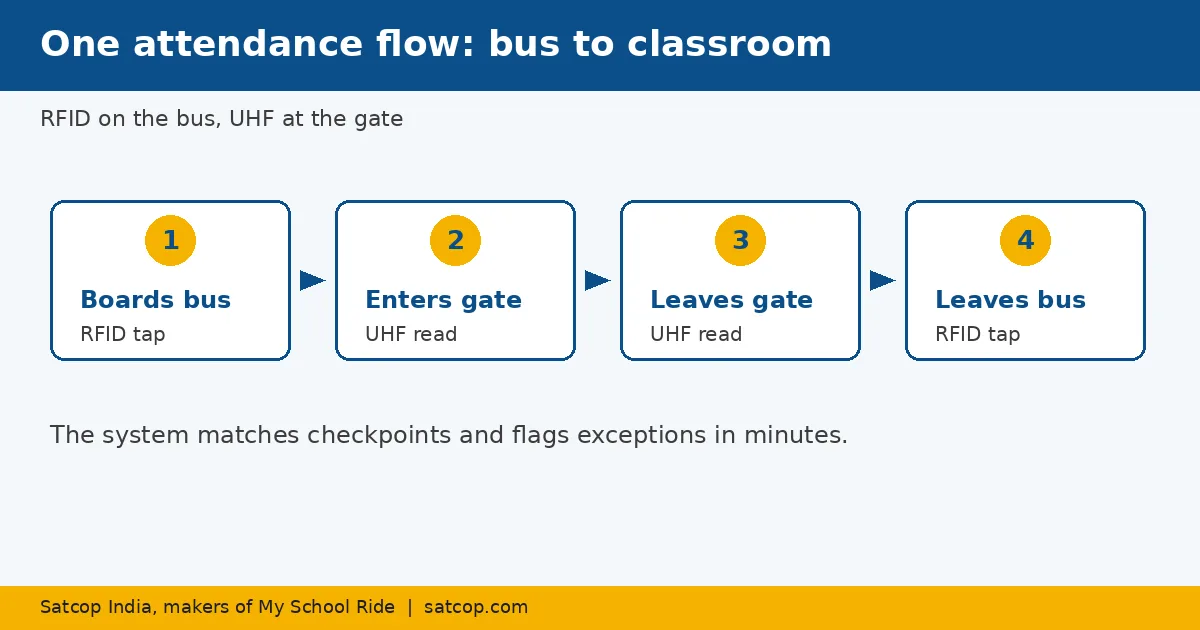
Think of a student's school day as four checkpoints:
- Boards the bus at the morning stop (RFID tap on the bus).
- Enters the campus at the gate (UHF read at the gate).
- Leaves the campus at the end of the day (UHF read at the gate).
- Gets off the bus at the evening stop (RFID tap on the bus).
Each checkpoint creates a time-stamped record. Together they show the whole journey.
Why two technologies?
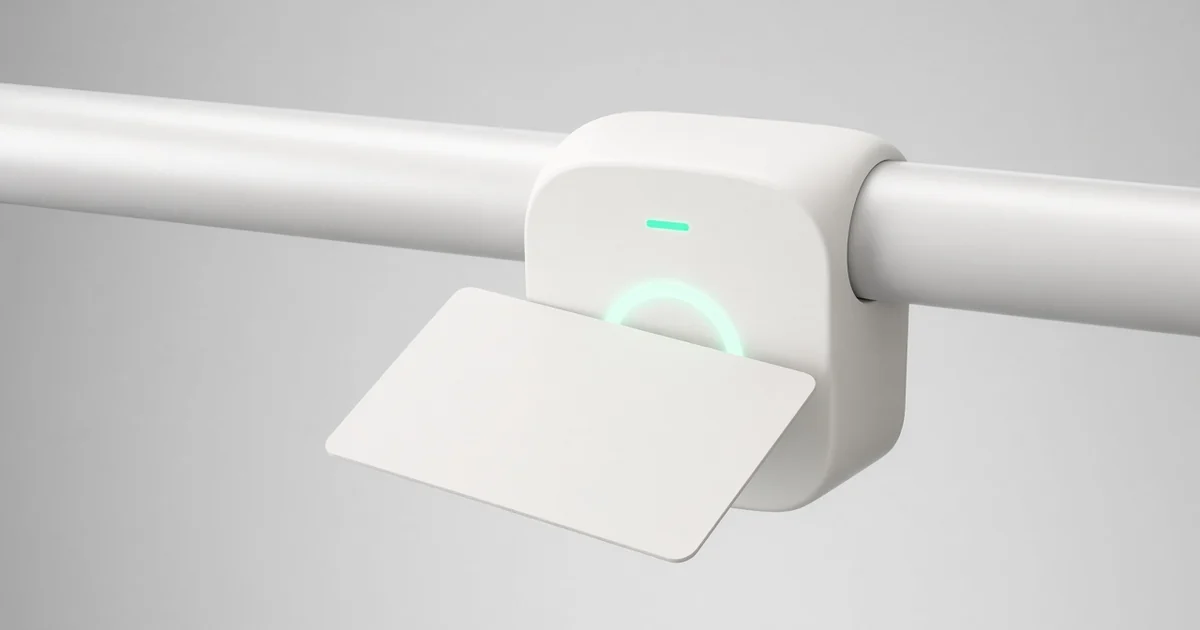
RFID on the bus. Students tap a card on a reader near the door. It is simple, deliberate, and works well in the confined space of a bus where students pass one at a time. See RFID attendance system.
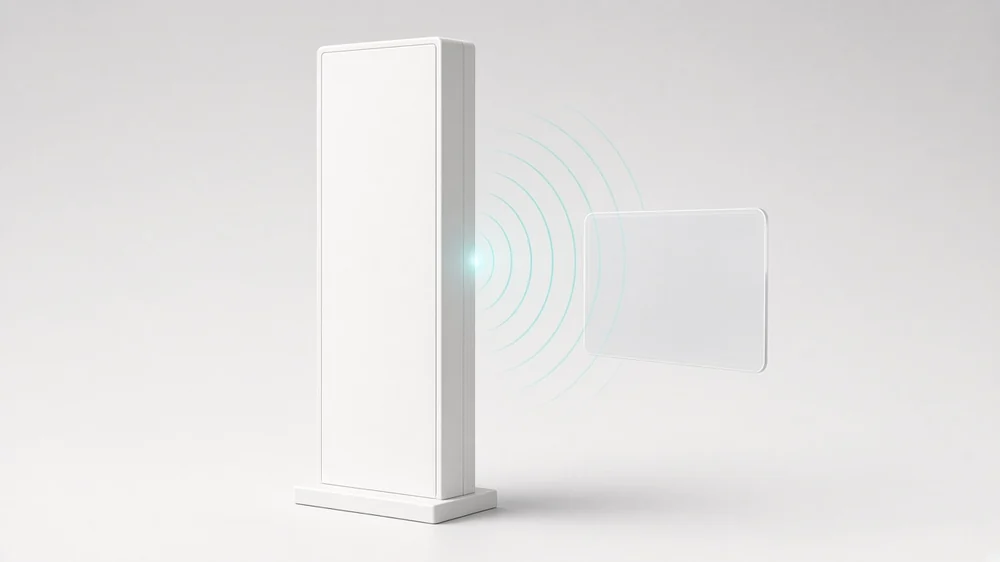
UHF at the gate. At a busy gate, hundreds of students arrive within minutes. Stopping each one to tap would cause a queue. UHF readers can read tags as students walk through, without a tap. See UHF attendance system. For a deeper comparison, see RFID vs UHF at the school gate.
Using each where it fits gives accurate records without slowing anyone down.
Matching the records: the exceptions that matter
The real value comes from comparing checkpoints. The system flags exceptions:
| Pattern | What it may mean | Who acts |
|---|---|---|
| Boarded bus, no gate entry | Student did not reach the gate, or missed the reader | Gate staff check immediately |
| Gate entry, did not board bus | Came by other transport, or forgot to tap | Class teacher confirms |
| Gate exit, no evening boarding | Picked up by parent, or missed the bus | Transport office checks |
| Evening boarding, no drop-off tap | Forgot to tap, or still on bus | Attendant checks; end-of-trip walk-through |
The first and last rows are the most important for safety. Agree in advance who checks each exception and how fast.
Designing the flow: step by step
Step 1: One card or tag per student
Decide whether students carry one card that works on both readers or separate tags. Fewer items to carry means fewer lost cards.
Step 2: Link each card to the student, bus and stop
The attendance data is only as good as the student list behind it. Link every card to the right student, route and stop.
Step 3: Place readers carefully
On the bus, fit the reader near the door at a height younger children can reach. At the gate, position the UHF reader so all students pass within its read zone, and test it at peak time before go-live.
Step 4: Decide who gets which alert
- Parents: boarding and drop-off on the bus; optionally gate entry.
- Transport office: bus exceptions.
- Gate or admin office: gate exceptions.
- Class teachers: a daily list of students who boarded but have not been marked present.
Step 5: Connect to tracking
Bus attendance is more useful alongside GPS. If a student tapped in at a stop, the system knows where and when. Our school bus tracking solution links the two.
Step 6: Handle forgotten and lost cards
Give attendants a manual option in their app to mark a student who forgot a card, and a quick process to issue replacements.
Rolling it out
- Start with the bus. Bus attendance gives parents boarding alerts, the feature they value most.
- Add the gate. Once bus attendance is routine, add UHF at the gate and start matching records.
- Review exceptions daily for the first month, then weekly once patterns settle.
- Train staff. Attendants, gate staff and teachers each need to know their part.
Large and multi-campus schools
Schools with several gates need a reader at each gate students use, or a policy that buses use one gate. Chains with campuses across cities, such as Pune and Nagpur, Delhi and Noida, or Bengaluru and Chennai, benefit from a single dashboard where each campus sees its own records and head office sees all.
Satcop India's head office is in Pune (Kharadi) and we have an office in Hyderabad (Gachibowli). In other cities including Mumbai, Kolkata, Ahmedabad, Jaipur and Lucknow, we serve schools and demo on your campus.
Benefits in plain terms
- Parents get boarding and drop-off alerts.
- The school can answer "where is this child?" with records, not guesses.
- Teachers spend less time on manual attendance.
- Exceptions are caught in minutes, not at the end of the day.
My School Ride brings these records together for schools and parents. It is used by 200+ schools, 10,000+ buses and 200,000+ students.
Frequently asked questions
What is an RFID attendance system for school buses?
Students tap an RFID card on a reader when they get on and off the bus. The system records the time and place and can alert parents.
Why use UHF at the school gate instead of RFID cards?
UHF readers can read tags as students walk through, so a busy gate does not queue. RFID taps suit the bus, where students board one at a time.
Can bus and gate attendance be matched?
Yes. The system compares boarding and gate records and flags exceptions, such as a student who boarded but did not reach the gate.
What happens if a student forgets the card?
The attendant can mark the student manually in the app, and the school issues a replacement if the card is lost.
How much does an RFID and UHF attendance system cost?
It depends on the number of buses, gates and students. Ask for a quote.
Explore My School Ride
Book a demo
Tell us your city and how many buses you run. Book a demo · Ask for a quote · Chat with us on WhatsApp (+91 91560 88090) · Call +91 8600 002222
Sources
- satcop.com RFID and UHF pages; MSR RFID pages (read 10 Oct 2026). No read-range numbers.